Traditional redesign
A project before there is a page.
- Discovery and content gathering
- Wireframes and design rounds
- Development and handoff
- Changes return to the production queue
AI website redesign
Paste your current website URL. Outlyne understands your business, rebuilds the site around a clearer message and stronger customer path, and gives you an editable private preview in minutes.
Start with your current site
See the redesign before anything goes live.
Your public website stays untouched while Outlyne builds the private preview.
Before and after
A redesign should preserve what makes the business recognizable while making the message, proof, and next step easier to understand.
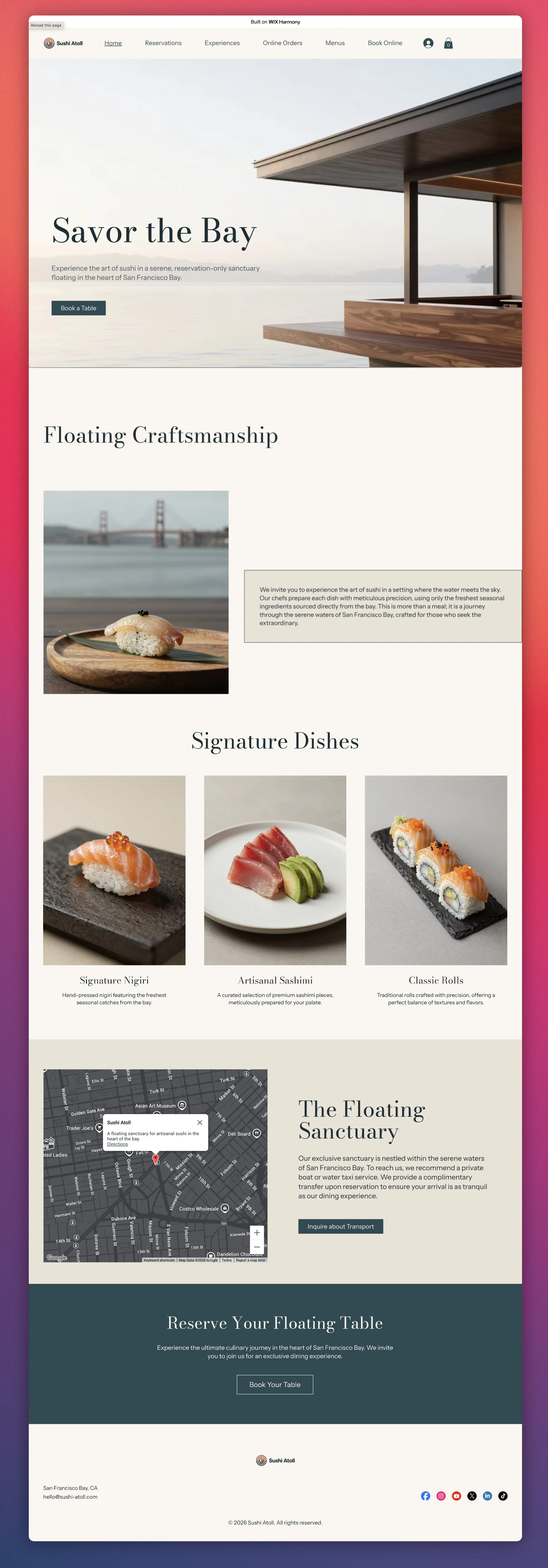
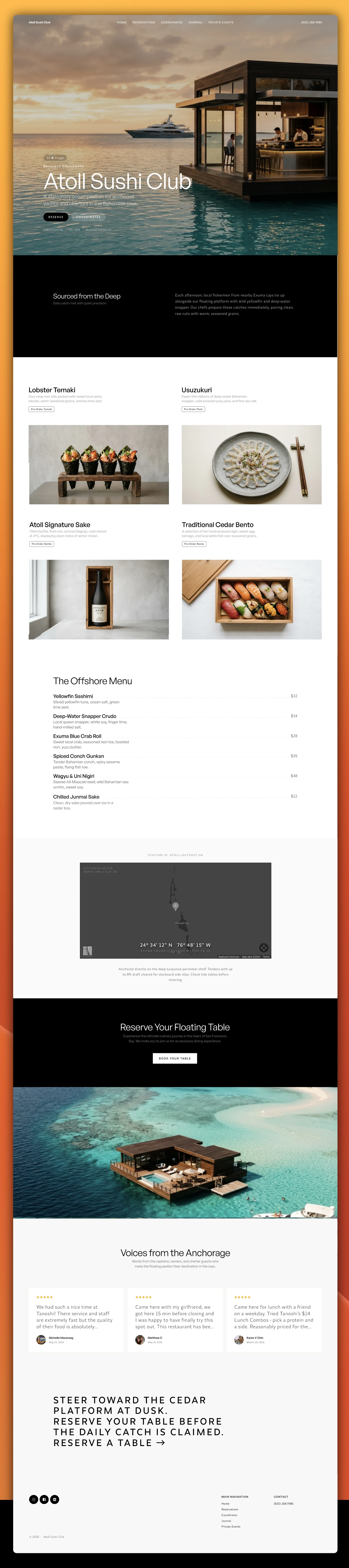
What changes
A stronger redesign is not just a different coat of paint. It makes the business easier to understand, trust, and act on—on desktop and mobile.
A better page, explained
A stronger page makes the offer clearer, the proof stronger, and the next action easier to take.
Design, construction, and care for the place outside.
Request a consultation →Trusted by 120+ local homeowners
Outlyne looks for the parts of a page that most affect trust, clarity, and action.
From URL to preview
Enter the public URL for the website you want to improve.
Outlyne reads the pages, content, images, navigation, and brand cues that explain the real business.
It reorganizes the page around a clearer offer, stronger proof, and the customer action that matters.
Click and type for direct edits, replace images in place, or ask AI for a larger structural change.
Keep the preview private until it is ready, then publish and connect the domain you already own.
Not a blank page
Your services, photography, reviews, business details, navigation, and recognizable brand cues are useful source material. Outlyne carries them forward, then improves the structure around them.
Two starting points
Traditional redesign
Outlyne
After the first draft
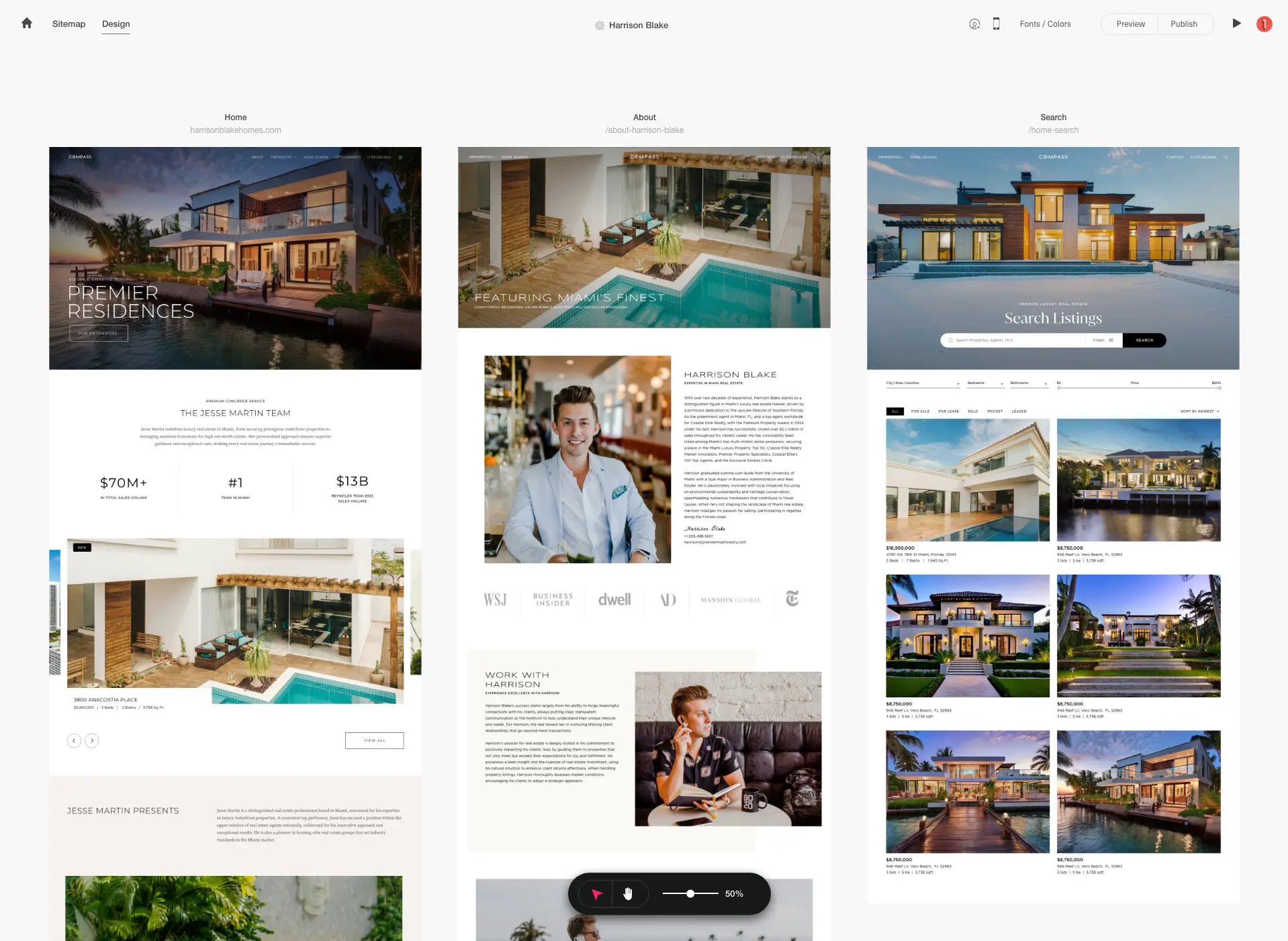
Click into a sentence and type. Replace an image in place. When the change is structural, describe the outcome and let Outlyne rebuild the section.
Plan the migration
FAQ
Yes. Outlyne starts with a public website URL, reads the pages and business information already there, and uses that material to build a new editable version.
Yes. Your existing site becomes the starting point, so you are not rebuilding every service, photo, review, and page from a blank canvas.
A redesign can affect search visibility if important URLs, titles, headings, copy, or internal links are removed. Review those elements before publishing, preserve useful URLs where possible, and redirect any URL that must change.
Outlyne can import public websites built with Wix, Squarespace, WordPress, Webflow, GoDaddy, and other platforms. The quality of the starting material depends on what the public site exposes.
Yes. Build and review the redesign privately first, then connect your current domain when you are ready to publish.
A useful first rebuild takes a few minutes. You can then spend as much or as little time as you want reviewing pages, replacing images, and refining the result before publishing.
Yes. Outlyne creates a private preview and does not automatically replace your live website. Publishing is a separate decision.
Redesign the website you already have.
Paste your URL for a private, editable preview. Your live website stays where it is until you choose to publish.
Upgrade Activating